Follower access guide
Twitch Follower Emotes: How to Enable and Use Them
Understand how follower emotes differ from subscriber slots, where to check access, and how to troubleshoot chat on desktop and mobile.
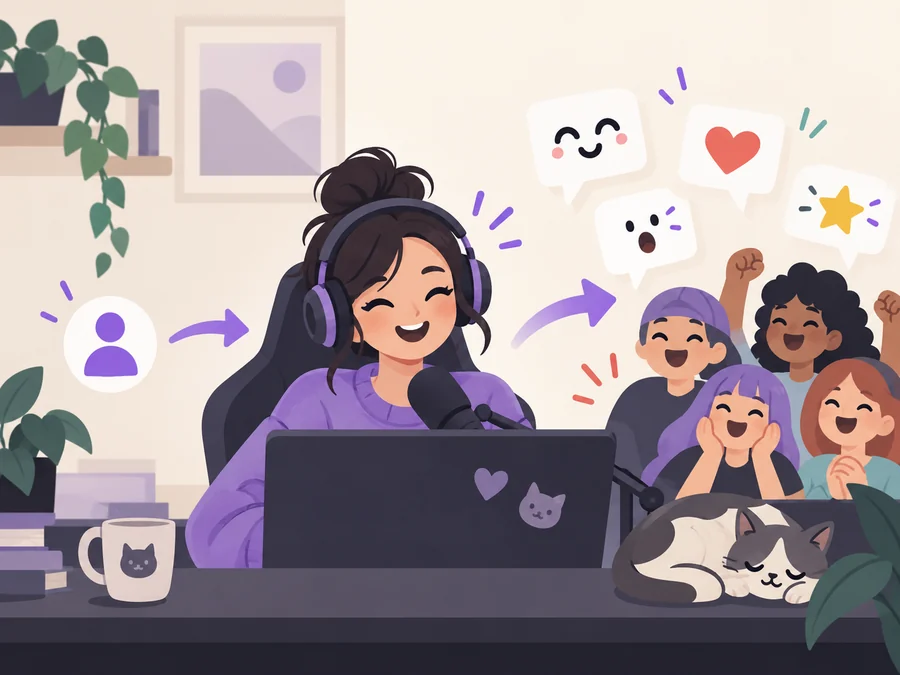
1. What Twitch follower emotes are
Twitch follower emotes are a way for a channel to give followers a recognizable reaction set without treating every image as a subscriber slot. The feature is tied to the channel and its current creator settings. A viewer may follow a channel, open that channel's chat, and use the available follower emotes when the account and feature state allow it.
The wording matters because follower emotes are often mixed with subscriber emotes, animated emotes, and extension libraries. A follower emote is not automatically a global Twitch emoji, and it is not the same as a 7TV emote that depends on a viewer extension. Start with the channel where the emote is enabled and use the live dashboard as the source of truth.
- Follower access is connected to a channel, not a universal account-wide emote collection.
- The current dashboard decides whether a channel can enable the feature and which controls it sees.
- Subscriber, animated, and third-party extension emotes use separate settings and limits.
- A follower emote code still needs a clear, readable image prepared for the current upload rules.
- If a guide gives a fixed follower count or slot number, check its date before relying on it.
2. Who can use follower emotes and where
The safest expectation is channel scope: a follower emote belongs to the channel that enabled it. Followers should test the code in that channel's chat, not in a random stream or a private message. Twitch can change how a feature is exposed, so describe the audience shown in the current setting instead of promising that a follower emote works everywhere.
When a viewer follows but still cannot use the emote, separate access from visibility. The creator may not have enabled the feature, the viewer may be chatting in another channel, the code may be typed incorrectly, or the app may not have refreshed the emote list. These checks are more useful than immediately replacing the artwork.
| Emote type | Typical audience | What to check first |
|---|---|---|
| Follower emote | Followers of the channel that enabled it | Channel setting, follow state, code, and the channel chat |
| Subscriber emote | Eligible subscribers or assigned tiers | Subscriber status, tier assignment, and native slot availability |
| Animated emote | The audience allowed by the current animated slot | Animated category, file rules, and the live slot table |
| 7TV or other extension emote | Viewers with the compatible extension | Extension installation, emote set, and third-party rules |
3. How to enable and test Twitch follower emotes
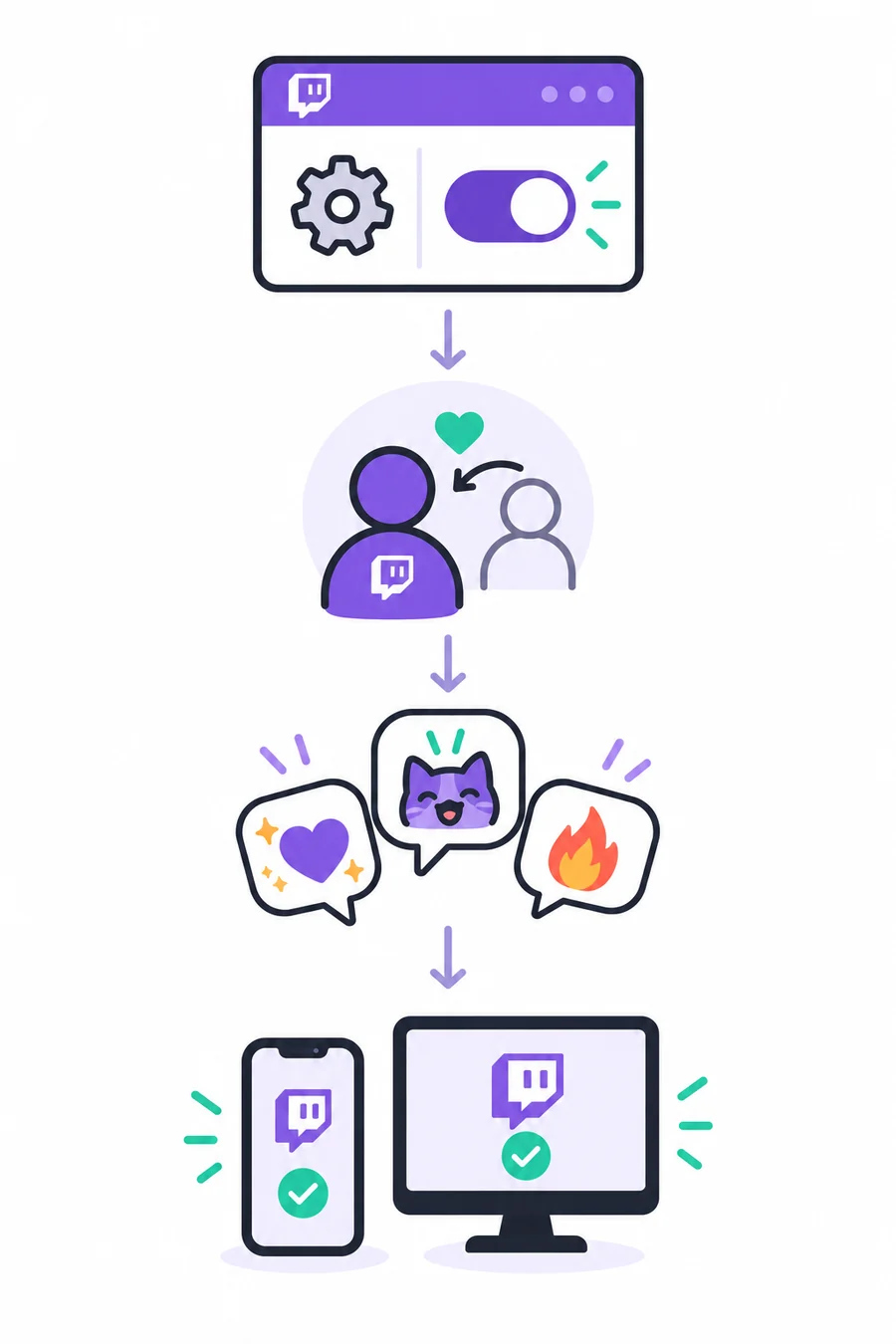
Twitch changes dashboard labels and creator access over time, so use this as a verification sequence rather than a promise about one menu name. Sign in to the channel account, open the current Creator Dashboard, and search the emote or follower settings for a control that explicitly names followers. If the control is absent, check the account's current eligibility and the official help page instead of assuming the feature is broken.
After the setting is available, choose a short code, upload the intended art, save the change, and test it from a separate viewer account or a logged-out chat when possible. Testing from another account catches a common mistake: the broadcaster can see an asset in the editor while ordinary followers cannot use it in chat.
- Confirm the featureOpen the current dashboard and locate a follower-specific emote control or help link.
- Prepare the codeUse a short, memorable code and record the audience and spelling in your channel notes.
- Upload and saveReview transparency, contrast, dimensions, and the preview before saving the follower emote.
- Test as a viewerFollow the channel from a second account, refresh chat, and try the code in the channel where it belongs.
4. Using follower emotes on desktop and mobile
Desktop chat is usually the easiest place to verify a new follower emote because the picker, code entry, and chat message are visible together. Open the emote picker in the channel, search for the code, and send one test message. If the picker is stale, refresh the page or leave and rejoin the channel before changing the file.
Mobile chat can expose a different picker, keyboard, or cached emote list. Update the Twitch app when appropriate, open the exact channel chat, and test the emote from the picker as well as by typing its code. A follower emote that works on desktop but not on mobile usually points to app state, channel context, or a temporary sync issue rather than a bad drawing.
- Test in the channel that owns the follower emote; another stream is not a valid control case.
- Refresh the chat after following or after the creator saves a new setting.
- Compare the picker and typed code so a missing suggestion is not confused with a rejected message.
- On mobile, check the app version, account, channel, and keyboard before recreating the asset.
- Keep a plain text fallback such as a short reaction word for viewers who cannot load the emote.
5. Design follower emotes that remain readable
Follower emotes are still tiny chat graphics. Begin with one bold silhouette, a limited palette, and a clear expression or symbol. Avoid long words, hairline outlines, and subtle gradients that disappear when the image is reduced. A follower emote can be more welcoming than a tier badge, but it still needs to read beside fast-moving messages.
Keep the clean master file, the upload export, and the license note together. Use the current Twitch upload panel for the final format and size rules because the feature and account settings can change. Preview the smallest practical version on a dark and light background, then ask a viewer to identify the reaction without seeing the source file.
| Design check | Why it matters | Practical fix |
|---|---|---|
| One dominant silhouette | Viewers recognize the reaction faster | Remove tiny interior decoration and enlarge the main shape. |
| High contrast | Chat backgrounds and themes vary | Test light and dark backgrounds before upload. |
| Short or no text | Small lettering turns into noise | Use a symbol or expression instead of a sentence. |
| Consistent family | Followers learn the channel's visual language | Reuse a color accent, outline, or mascot cue across the set. |
| Recorded license | Free art is not automatically reusable | Save permission, receipt, or the source terms with the master file. |
6. Fix follower emotes that are not working
Start with the smallest reproducible test: the channel, the viewer account, the exact code, and one device. If the emote is missing from the picker, confirm the viewer follows the channel and that the creator saved the setting. If the code appears but the message fails, check spelling, permissions, chat mode, and the current dashboard status.
Do not treat every failure as an image problem. A transparent PNG with a clean silhouette can still be unavailable when the feature is disabled, the viewer is in another channel, or the app has not refreshed. Only re-export the artwork after the account and channel checks pass.
- No follower control: check current creator eligibility and the official Twitch help page.
- Follower cannot use it: confirm the follow state, channel context, and code spelling.
- Picker is empty: refresh chat, sign out and back in if needed, and compare desktop with mobile.
- Upload rejected: read the live format, transparency, dimension, and file-weight message.
- Image is blurry: simplify the silhouette, crop excess margin, and export from the clean master.
- Works only with an extension: treat it as a third-party emote and document that requirement.
Twitch follower emotes FAQ
What are Twitch follower emotes?
They are channel-scoped emotes that an eligible creator can make available to followers. They are separate from subscriber slots and from third-party extension emotes, so the current channel settings and Twitch Help guidance decide who can use them.
How do I enable follower emotes on Twitch?
Open the current Creator Dashboard, look for a follower-specific emote setting, and follow the live eligibility and upload steps shown for the account. Twitch can change labels and access, so do not rely on an old fixed menu path.
Can followers use an emote in other Twitch channels?
Treat follower emotes as belonging to the channel that enabled them. Test the code in that channel's chat and follow any current Twitch wording before assuming that the emote works elsewhere.
Why can I use follower emotes on desktop but not mobile?
The app may have a cached emote list, a different picker, or a different channel context. Refresh the app and chat, confirm the account still follows the channel, and test the code in the channel that owns the emote.
How many follower emotes can a Twitch channel have?
There is no safe permanent number to copy into every article. Check the current feature control and dashboard for the channel because eligibility, limits, and creator access can change.
Are follower emotes the same as 7TV emotes?
No. Follower emotes are a Twitch channel feature. 7TV and similar libraries depend on a separate service or browser extension, so their setup, audience, and limits should be documented separately.
What should I do if a follower emote upload is rejected?
Read the live error, confirm the current format, transparency, dimensions, and file weight, then export from a clean master. Also verify that the correct follower setting is enabled; a slot or access problem cannot be fixed by changing pixels.