Current access guide
Twitch Emote Slots: Limits, Unlocks, and Current Creator Rules
A practical guide to standard, animated, follower, and tier-based emote slots without relying on outdated Affiliate or Partner advice.
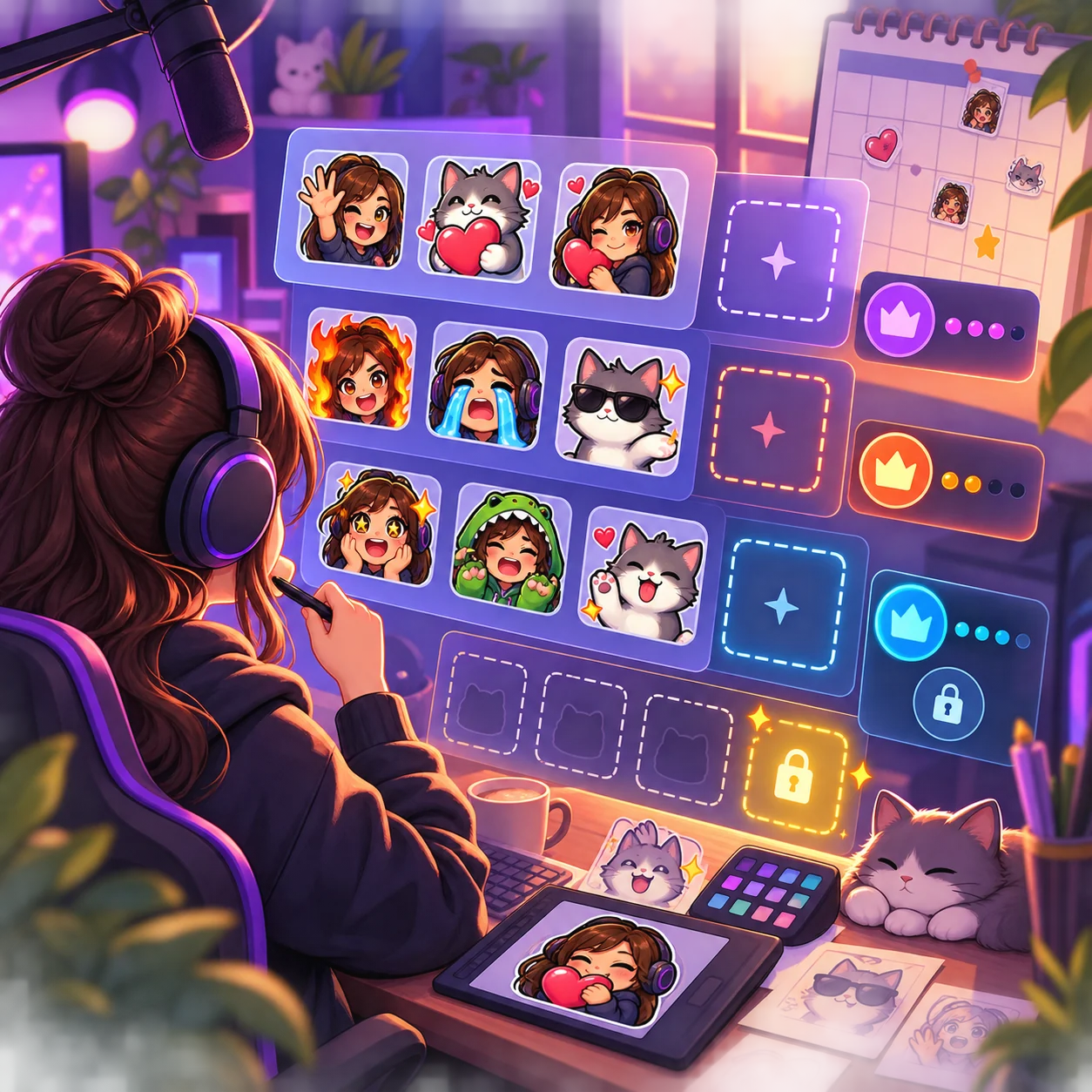
1. What a Twitch emote slot actually means
A Twitch emote slot is a place your channel can assign a native emote in the Creator Dashboard. It is an access and inventory question, not a question about whether the artwork is 112x112 or 28x28. One image can be prepared in several upload sizes without creating extra slots.
The confusing part is that Twitch has several slot families. Subscriber emotes, animated emotes, follower emotes, tier-based additions, and third-party extension emotes do not all follow the same rules. An old tutorial may describe a previous Affiliate or Partner table, so treat the current dashboard and Twitch Help page as the final authority.
- A slot controls where a native emote can be assigned; it does not resize the image.
- An emote file can have several required output sizes while using one slot.
- Animated and static emotes are different upload categories even when they share a reaction idea.
- Follower and third-party extension emotes should not be counted as interchangeable native subscriber slots.
- The number shown in your dashboard matters more than a fixed number copied from an old blog post.
2. Current Twitch emote slot categories
Use this map to identify the right question before you search for a number. Twitch can change eligibility, thresholds, or labels, but the categories below help you match the reader's intent to the correct official setting.
| Slot or feature | What it covers | Where to verify it |
|---|---|---|
| Standard subscriber emotes | Native emotes assigned to subscriber audiences and channel slots. | Creator Dashboard emote list and the current Subscriber Emote Guide. |
| Tier 2 and Tier 3 additions | Extra subscriber emote capacity tied to the current tier or sub-point rules. | The current slot table, account status, and the sub-point row shown to your channel. |
| Animated emote slots | Separate animated uploads. Twitch's current help table describes different starting and maximum structures for Affiliates and Partners. | Animated emote settings and the live Twitch Emote Slots table. |
| Follower emotes | A separate feature for emote access connected to followers and channel settings, not a synonym for subscriber slots. | Follower Emotes settings and the access shown in your dashboard. |
| Twitch Alerts bonus slots | Some channels may see additional animated capacity through a Twitch Alerts feature or promotion. | Your current Alerts and emote settings; do not assume every channel has the same bonus. |
3. How sub points and Twitch Alerts can change the count
When a slot table mentions sub points, it is describing an unlock path rather than a new image format. The account may start with a base allowance and gain additional capacity when the current threshold is met. That threshold can differ by channel status and can be revised by Twitch, so copy the value displayed for your account instead of promising a universal number.
The same caution applies to animated emote bonuses connected with Twitch Alerts. A bonus slot is an entitlement attached to an eligible account or feature, not permission to upload a wider file or a larger image. If you cannot see the extra slot in the dashboard, prepare the artwork but do not count it as available yet.
- Open the current slot tableStart with Twitch Help rather than an old screenshot or forum comment.
- Check your channel statusAffiliate, Partner, and newer creator access programs may expose different settings.
- Read the sub-point rowRecord the threshold and the slot type it unlocks; do not mix standard and animated totals.
- Confirm the dashboardOnly count a slot after the Creator Dashboard makes the assignment control available.
4. What the 2026 access changes mean for emote planning
Twitch announced broader access to monetization and community tools in 2026, which makes older advice built around a single Affiliate-versus-Partner gate less reliable. The practical takeaway is not that every channel receives the same emote inventory. It is that creators should check the tools and entitlements currently enabled for their own account before buying a pack or promising a fixed number of slots.
This change also explains why search results can disagree. One article may quote a legacy Affiliate table, another may discuss animated slots, and a third may mean follower emotes. Keep those intents separate, cite the official page you used, and add the date you last checked the dashboard.
- Use current Twitch Help documentation for policy and eligibility wording.
- Use your Creator Dashboard for the final list of assignable slots.
- Do not treat wider access to monetization tools as a guarantee of identical slot totals.
- Add a checked date to internal planning notes when a channel depends on a threshold.
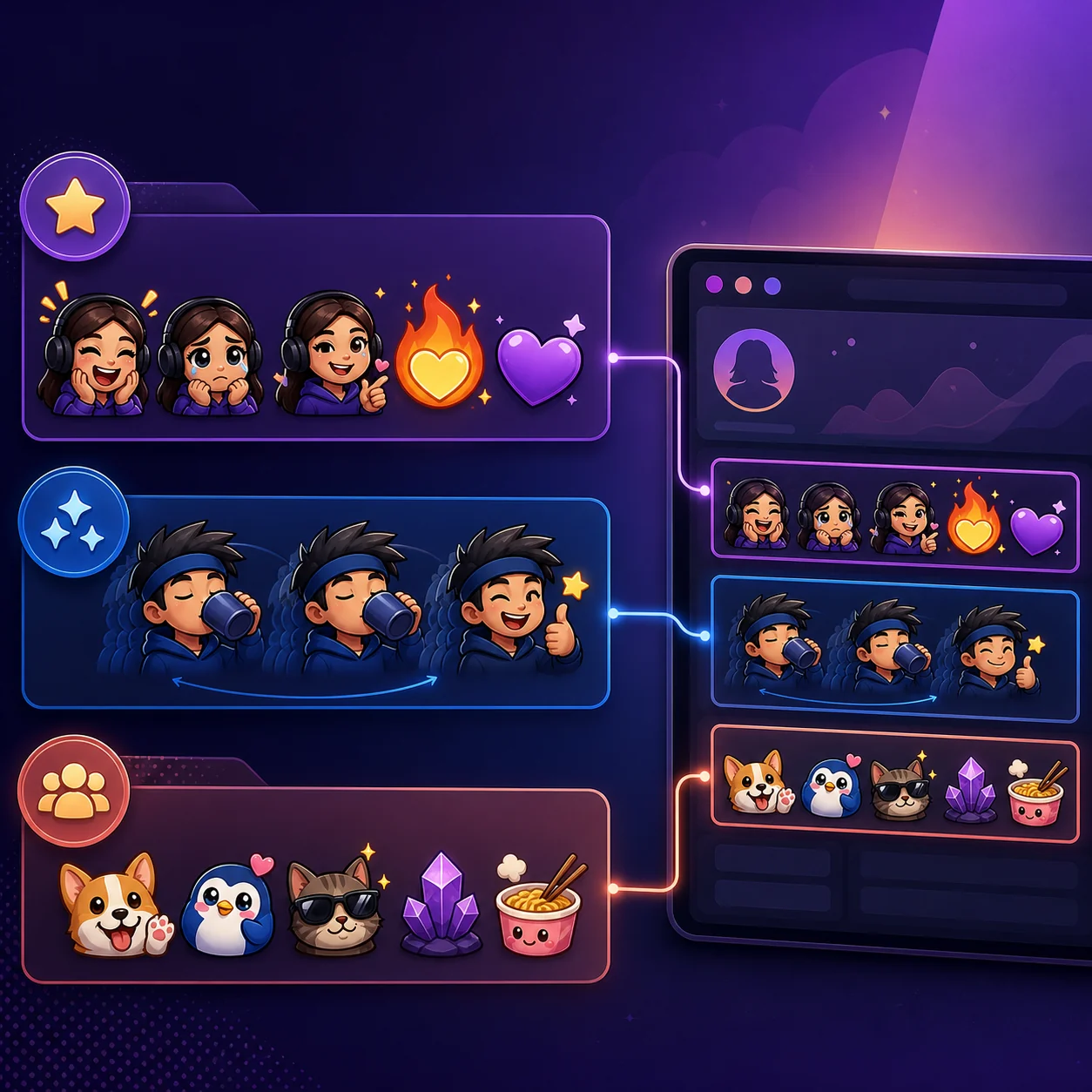
5. Plan an emote set around reactions, not slot numbers
Once you know which categories are available, choose reactions that viewers can recognize quickly: hello, hype, laugh, love, confusion, celebration, and a channel-specific joke. A small coherent set usually performs better than a large collection of unrelated art because viewers learn the visual language faster.
Keep a master file for each reaction and prepare the native Twitch export set from that source. The slot count decides how many reactions you can assign; the 28x28 preview decides whether each reaction remains readable in chat.
| Planning question | Useful answer | Next action |
|---|---|---|
| Which reactions should come first? | Prioritize greetings, celebration, laughter, support, and one channel-specific cue. | Sketch the set before commissioning or downloading art. |
| Should animated slots replace static ones? | No. Animation adds motion but still needs a clear key pose and a static fallback. | Test the key frame before building the loop. |
| How do I avoid wasting a slot? | Do not assign a reaction that looks like a duplicate or disappears at chat size. | Preview at 28x28 and compare the set side by side. |
| Where do file dimensions fit? | Dimensions are upload preparation, not slot inventory. | Use the size guide or browser resizer after the set is chosen. |
6. A slot is available, but the emote still will not upload
An available slot does not override file checks. A native emote can still fail because the dimensions, format, transparency, file weight, or visual quality does not meet the current upload requirements. That is a file-preparation problem, not evidence that the channel has run out of slots.
Separate the diagnosis into two questions: can the account see and assign the slot, and does the file pass the upload check? This simple split prevents creators from deleting a useful reaction when the real fix is a cleaner export.
- Slot missing: recheck account status, feature access, tier progress, and the current dashboard.
- Wrong dimensions: generate the required native size set from the clean master file.
- Blurry at chat size: simplify the silhouette and inspect the 28x28 preview.
- Rejected or too large: remove unnecessary texture, re-export, and review the current Twitch guidance.
- Third-party emote: follow the extension's own rules instead of treating it as a native Twitch slot.
7. Final dashboard check before you assign the set
Before you announce a new emote set, open the current Creator Dashboard and confirm the slot type, audience, code, preview, and status. The same reaction may exist as a subscriber emote, follower emote, animated emote, or third-party extension asset, so label the intended audience in your planning sheet.
If a slot is available but the artwork is not ready, keep the master file and license notes together. If the art is ready but the slot is not visible, do not force a workaround or promise viewers that it is live. Check the official help page again when the account status changes.
- Match the slot typeConfirm whether the control is for standard, animated, follower, or another supported category.
- Check the audienceRead the subscriber, tier, follower, or channel setting before publishing the code.
- Test the smallest previewMake sure the reaction is recognizable at the size viewers see in chat.
- Keep a recordSave the source artwork, export files, license notes, and the date you checked the rules.
Twitch emote slots FAQ
How many Twitch emote slots can you have?
There is not one permanent number for every account. The current total depends on the slot category, channel status, tier or sub-point progress, and any feature or bonus enabled for the channel. Check Twitch's current Emote Slots table and the controls visible in your Creator Dashboard.
How many emote slots does a Twitch Affiliate get?
Affiliate access can include a base set of native emote slots, tier-based additions, and a separate animated-emote allowance. Twitch has changed creator access and slot rules over time, so use the current Affiliate row and your own dashboard rather than an old fixed-number guide.
Do you need a certain number of followers for Twitch follower emotes?
Do not assume a follower count from an old tutorial. Follower emotes are a separate feature, and the current availability and settings shown for your channel are the reliable answer. Check the official Follower Emotes help page and the dashboard before promising access.
Are animated emote slots different from regular emote slots?
Yes. Animated uploads have their own slot category and current limits. The artwork still needs a readable key pose and a valid upload format, but an animated slot should not be added to a standard static total without checking Twitch's current table.
Does changing an emote from 112x112 to 28x28 use another slot?
No. The 112x112, 56x56, and 28x28 files are output sizes for one native emote workflow. They help Twitch and viewers use the artwork at different contexts; they do not create three separate slot assignments.
Are 7TV emotes part of Twitch's native emote slots?
No. 7TV and other extension emotes use a separate service and viewer setup. They may appear in chat for people with the compatible extension, but they should not be counted as native Twitch subscriber or follower slots.