Reaction planning guide
Twitch Emote Ideas: Build a Reaction Set for Your Stream
Find Twitch emote ideas that reflect your channel, give chat a clear way to react, and work together as a recognizable set.
1. Plan reactions before you collect sketches
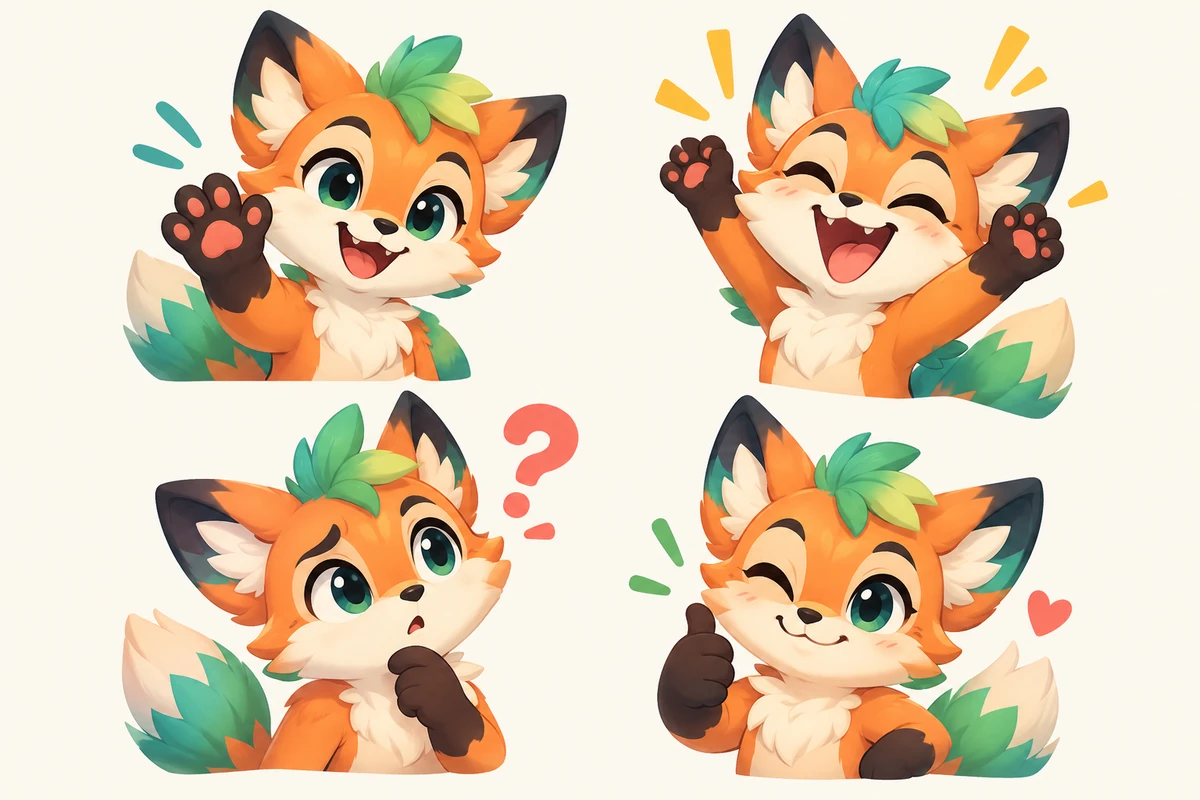
A channel emote set is a small visual language. Viewers need to recognize its meaning quickly while following a game, drawing, or conversation. Start with the moment chat wants to express, then choose a face, gesture, object, or mascot pose that makes the feeling clear. Detail cannot rescue an unclear reaction.
List recurring moments before searching for Twitch emote ideas: greetings, wins, mistakes, surprise, support, breaks, and jokes. Ask whether a newcomer could read the emotion. Give each image a different job; if two would be posted for the same reason, keep the clearer one.
2. Forty Twitch emote ideas grouped by stream moment
Treat this idea bank as prompts, not an order for forty images. Choose concepts that fit your channel and chat. Replace generic objects with a familiar prop, instrument, controller, brush, or mascot detail of your own.
| Stream moment | Five concept prompts |
|---|---|
| Arrivals | Mascot wave; cozy hello; late-night greeting; first visit; raid welcome |
| Hype | Tiny trophy; confetti; clutch win; triumphant pose; celebration |
| Fails | Gentle facepalm; respawn sigh; shocked eyes; dramatic flop; unlucky moment |
| Support | Heart; cheering hands; proud nod; comfort hug; thank-you bow |
| Community rituals | Lurking cup; snack break; hydrate reminder; poll choice; group wave |
| Inside jokes | Recurring prop; mascot look; catchphrase pose; plot twist; community nickname |
| Stream format | Paint reveal; taste test; music note; strategy thought; reading pose |
| Events | Anniversary cake; seasonal scarf; spooky surprise; new-game curiosity; goal cheer |
3. Find ideas in your VODs, chat, and stream rituals
Original Twitch emote ideas often come from repeated VOD moments: a familiar intro, reveal, small victory, sound, or running joke. Review a few streams and mark where chat responds together. Repeated moments are more useful than one spectacular event that never returns.
Read chat in context. Do not turn a viewer's name, face, private story, or vulnerable moment into channel art without permission. Write each moment plainly, such as 'greet late arrivals' or 'celebrate a close win'. Group synonyms and separate reactions with different meanings.
- Review a few streamsMark recurring reactions and rituals.
- Ask regular viewersInvite shared ideas and respect opt-outs.
- Name the reactionWrite its meaning before choosing an art style.
- Group the momentsMerge synonyms and separate different jobs.
4. Use a simple worksheet to choose the strongest concepts
Check each candidate for a clear job, a recurring moment, a readable visual, and a fit with your channel. Mark each yes, maybe, or no; this worksheet guides discussion, it cannot predict popularity.
Compare the set as a whole. If several ideas show the same mascot smiling, viewers may not know which to use. Keep a mix of reactions that chat actually needs; categories do not need equal counts.
| Question | Keep the idea when | Revise or remove it when |
|---|---|---|
| Does it have a clear job? | A viewer can name the feeling or moment it represents. | The description needs several unrelated meanings to justify the image. |
| Does it happen repeatedly? | You have seen the moment across streams or heard viewers ask for it. | It depends on one old clip that is unlikely to recur. |
| Is it distinct from the set? | Its emotion, silhouette, or use differs from the other shortlist items. | It would be posted for the same reason as a clearer existing reaction. |
| Will the art survive chat size? | The face, gesture, and main object stay recognizable when reduced. | Tiny text, thin lines, or background detail carry the main meaning. |
| Does it fit the channel? | It sounds and looks like this community, not an unrelated trend. | It borrows a symbol, joke, or character the channel cannot use responsibly. |
5. Build a starter set around your stream format
A varied first pack is easier to learn than several versions of one expression. Keep each reaction's role, then personalize its subject, colors, objects, or mascot.
A variety stream might use hello, laugh, hype, surprise, comfort, break, inside joke, and thanks. Competitive channels can add focus, clutch, loss, and recovery; art or music streams can use work in progress, reveal, concentration, and applause. These are starting points, not a universal template.
| Channel style | Useful first reactions | A way to personalize them |
|---|---|---|
| Variety | Hello; laugh; hype; surprise; comfort; break; inside joke; thanks | Personalize a mascot pose or familiar prop. |
| Competitive | Focus; clutch; victory; unlucky; disbelief; team cheer; recovery; good game | Use your vocabulary; draw original art. |
| Art or music | Thinking; work in progress; reveal; happy accident; applause; request; break; finished | Show a tool or gesture from your format. |
6. Make the set cohesive without making every emote identical
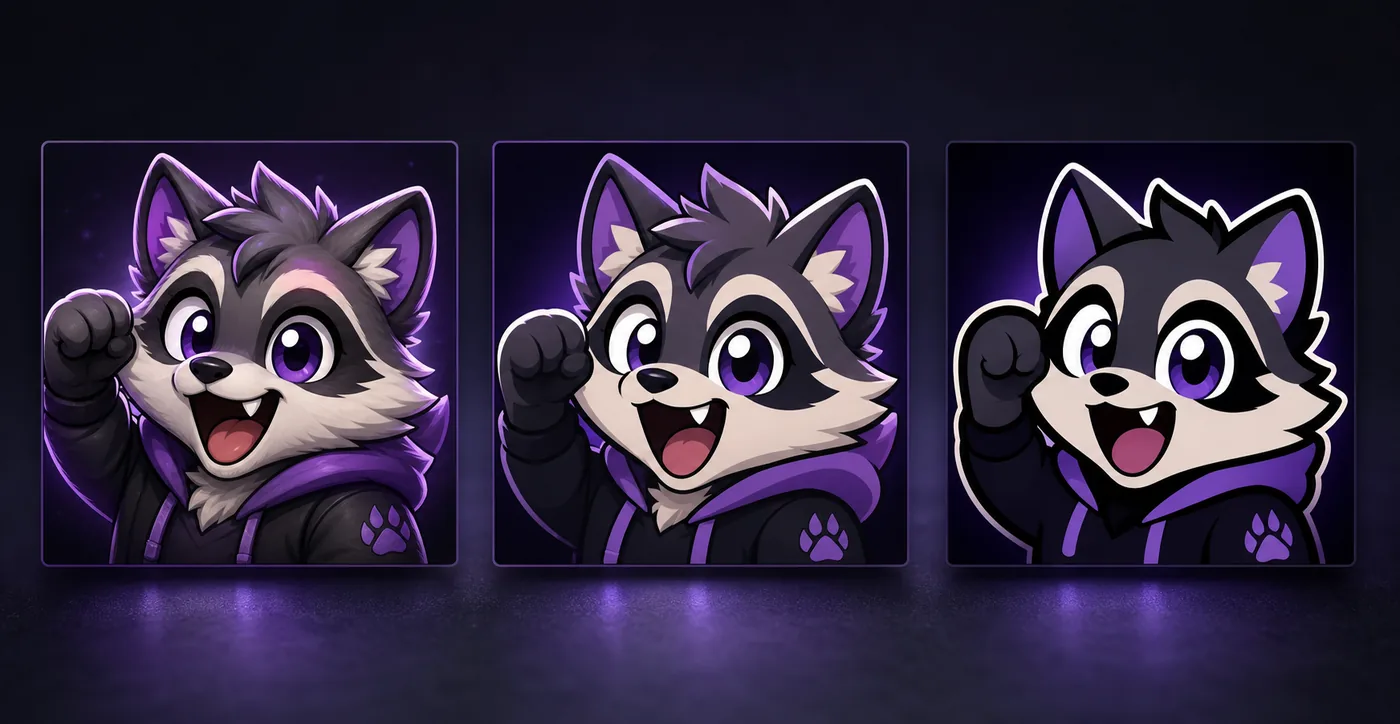
A mascot, palette, line style, or detail can tie a set together without repeating the same pose. Keep the channel cues, then vary the expression, gesture, or object so reactions remain distinct.
Hide labels and compare silhouettes. Merge concepts that viewers would swap, and animate only when motion adds meaning. Avoid tiny lettering: the image should make sense through its face or gesture, even when viewers do not read the same language.
7. Keep the ideas original, respectful, and easy to commission
Use broad inspiration without copying another creator's mascot, signature emote, logo, or character. Make the subject, pose, palette, and silhouette your own. Do not build an emote around someone's name, face, or private story without permission.
Brief an artist with the reaction, posting moment, visual, channel detail, and exclusions. Agree on usage and portfolio terms. Test a small preview with viewers, then use a creation guide for dimensions, formats, and upload steps.
Follow the guide to make Twitch emotes8. Turn your shortlist into a practical emote pack
Pick a first group that covers different situations and save the rest for later. Ask viewers to label small previews without seeing your notes. Redesign concepts they confuse before commissioning final art.
For handoff, record each reaction, its meaning, approved references, requested files, and approver. Keep source art and usage notes together. A good pack feels like your community, makes sense to newcomers, and gives every image a distinct job.
Check Twitch emote sizes before exportTwitch emote ideas FAQ
What are good Twitch emote ideas for a new channel?
Start with hello, laughter, celebration, surprise, support, and one community-specific moment. Choose reactions with different jobs.
How do I make emote ideas unique to my stream?
Use recurring moments, viewer language, a mascot, or a familiar prop. Get permission before using personal stories or likenesses.
How many emotes belong in a starter pack?
There is no required creative count. Cover several distinct situations and check the current Creator Dashboard for available slots.
How can I avoid duplicate emotes?
Compare purpose and silhouette. Merge images viewers would use for the same moment or confuse at small size.
Should Twitch emote ideas include text?
Make the main reaction clear without words. Chat images are small, and viewers may speak different languages.
Can I copy a game character or another creator's emote?
Use a broad reaction as inspiration, then create original art and check permissions before publishing.
What should I send an emote artist?
Describe the reaction, posting moment, original references, channel details, requested files, and agreed usage terms.