Before you hire
How to Commission Twitch Emotes: A Practical Guide
Plan a useful brief, find a suitable emote artist, compare quotes, agree on rights, and approve a clean delivery package.
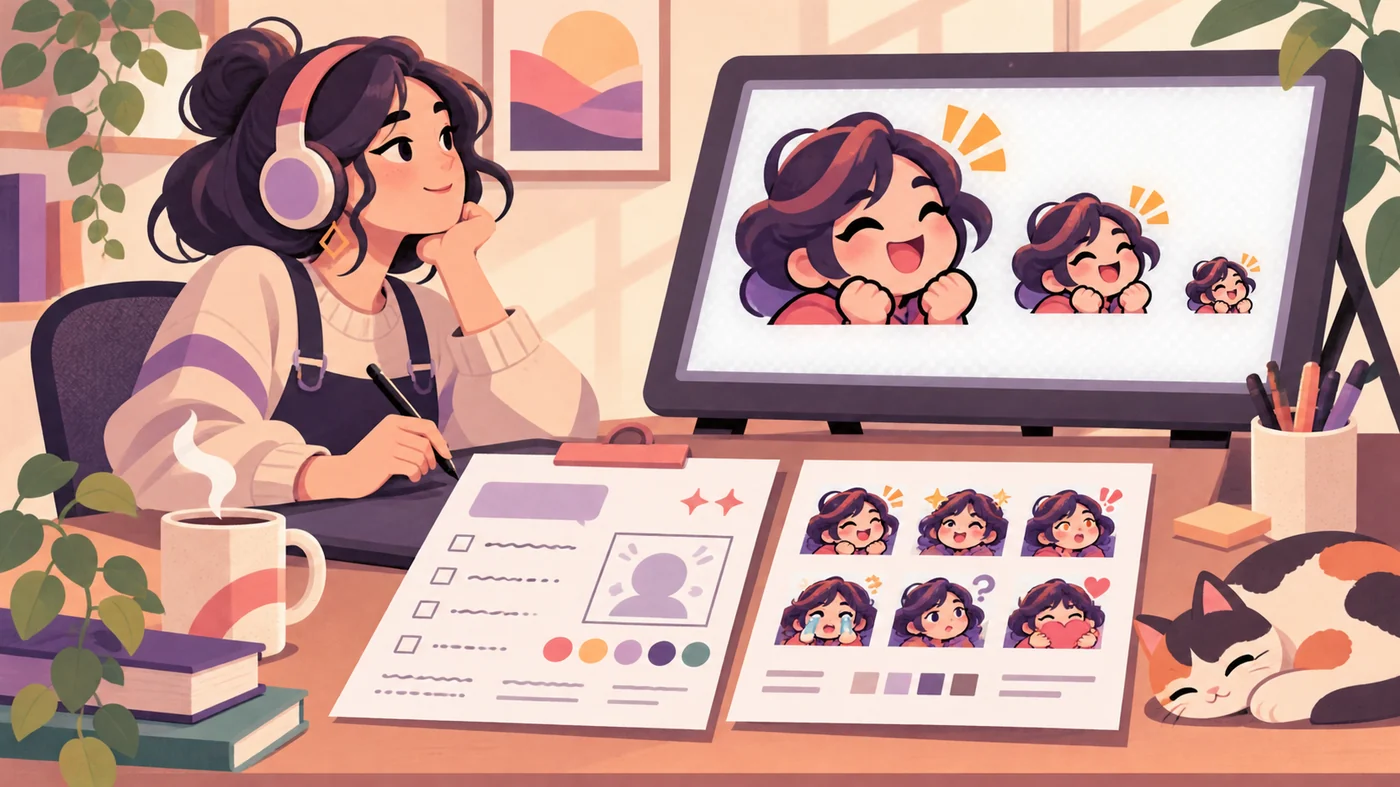
1. Start with a commission brief, not a vague request
The easiest way to waste money on a Twitch emote commission is to contact an artist with only a mood, a deadline, and a request for something that looks cool. A useful brief gives the artist a clear job and gives you something concrete to approve. It should describe the channel, the reaction, the intended audience, the visual references, and the files you expect at the end.
This page focuses on the buyer workflow. It is different from a guide to drawing emotes yourself, a template for building a canvas, or a size guide for checking pixels. You can link those resources after the commission is planned, but first decide what the artist is being asked to deliver. A single static reaction, a five-emote starter set, and an animated emote have different effort, review, and file requirements.
- Name the reaction in one sentence, such as celebration, disbelief, welcome, or a channel inside joke.
- Describe where viewers will use it and whether the idea must work without text.
- Share only references you can use lawfully and label them as mood, pose, color, or character inspiration.
- List the number of emotes, static or animated formats, and the delivery sizes you need.
- State your target date, budget range, decision maker, and preferred communication channel.
2. Define the emote set and write the brief
If you are learning how to commission Twitch emotes, start with a brief that is short enough to read quickly but specific enough to prevent a long chain of guesses. Start with the viewer moment: what should someone feel or do when they type the code? Then describe the subject, expression, gesture, colors, and any channel detail that makes the reaction yours. If the emote is based on a mascot or avatar, attach the approved reference sheet instead of sending ten contradictory screenshots.
Separate must-have requirements from preferences. A must-have might be a transparent background, a recognizable facial expression, or a delivery package with a layered source. A preference might be a particular outline style or accent color. This distinction lets the artist protect the idea while still using their professional judgment. It also makes revisions easier because both sides can see whether a change fixes a requirement or only changes taste.
- Describe the reaction.Write the chat moment in plain language and include one example message or stream situation.
- Define the visual anchor.Identify the face, pose, prop, or silhouette that must remain recognizable at 28x28.
- List the output.Request a transparent master, the agreed PNG or GIF sizes, a sensible filename pattern, and any source file.
- Mark the boundaries.State what is original, what is reference-only, what cannot be copied, and who can approve changes.
3. Find artists and compare portfolios safely
Knowing how to commission Twitch emotes also means knowing how to assess an artist. Search for portfolios that already show readable emotes at chat size. A beautiful large illustration is not enough evidence. Look for repeated examples, transparent edges, clear expressions, and work that still reads when reduced. Search on creator communities, portfolio sites, artist marketplaces, and social profiles, but treat every profile as a starting point rather than a guarantee of availability or rights.
Compare the process as well as the style. Ask whether the artist accepts commercial channel work, how they schedule a slot, what a first sketch includes, how revisions are handled, and what files they normally send. Read recent reviews for communication and delivery, not only for artistic quality. Keep a shortlist of two or three candidates and send the same concise brief so the quotes are comparable.
- Open the portfolio source and confirm that the displayed work belongs to the artist.
- Ask whether the examples are personal work, client work, or licensed assets.
- Check the artist's current availability instead of assuming an old commission post is still open.
- Use a platform with a clear payment and dispute process when you do not know the artist.
- Do not send passwords, private channel credentials, or unnecessary personal information.
- Keep a written record of the brief, quote, invoice, revision notes, and final approval.
4. Compare Twitch emote commission prices and rights
When you compare how to commission Twitch emotes with a simple one-off art order, remember that there is no universal Twitch emote commission price. A quote depends on the artist's style, the number of reactions, whether the artwork starts from a sketch or an existing mascot, whether animation is involved, how many revisions are included, and the rights you need. Treat public price ranges as orientation, not a promise. A low quote can be fair for a simple icon, while a detailed character or a rush slot can require more work.
Ask every shortlisted artist to separate the creative fee from optional extras. The quote should say what counts as one emote, whether the three static sizes are included, when payment is due, what happens if a deadline moves, and whether you receive a layered source. Rights also need plain language: can you use the emote on Twitch only, on other social channels, in merchandise, or in paid promotions? If the answer is unclear, pause before paying.
| Quote item | Ask before paying | Why it matters |
|---|---|---|
| Scope | How many reactions, characters, and formats are included? | Prevents a set from quietly becoming a larger project. |
| Revisions | How many review rounds and what counts as a revision? | Keeps feedback focused and makes the total cost predictable. |
| Files | Are transparent masters, size exports, and source files included? | Lets you check, resize, and update the set later. |
| Rights | Where may the channel use the artwork and who owns the source? | Avoids an accidental restriction on clips, socials, or merchandise. |
| Payment | What is the deposit, milestone, refund, and cancellation rule? | Creates a written recovery path if the project stops. |
5. Run the commission from sketch to approval
The process for how to commission Twitch emotes should protect both the buyer and the artist. Confirm the brief and quote in writing, pay the agreed deposit through the chosen platform, and ask for a rough sketch or thumbnail before detailed rendering. At the sketch stage, review the reaction, silhouette, pose, and composition. Do not spend the revision round debating tiny color changes while the core expression is still wrong.
Give feedback in one organized message. Number each change, point to the relevant emote, and separate required corrections from optional ideas. When the artist sends a color or line-art preview, compare it with the brief and approve only when the main requirements are present. Final approval should be a clear message that names the accepted version and the remaining delivery items; it is not the same as silently downloading a preview.
- Confirm the scope.Save the final brief, price, rights, deadline, revision count, and payment milestone in one message or invoice.
- Review the sketch.Check the reaction, pose, silhouette, and readability before detailed rendering begins.
- Consolidate feedback.Send one numbered revision note and avoid adding a new concept after the agreed scope.
- Approve the final art.Name the accepted version, then request the complete transparent delivery package.
- Archive the handoff.Keep the invoice, license wording, source file, exports, and approval date with the channel assets.
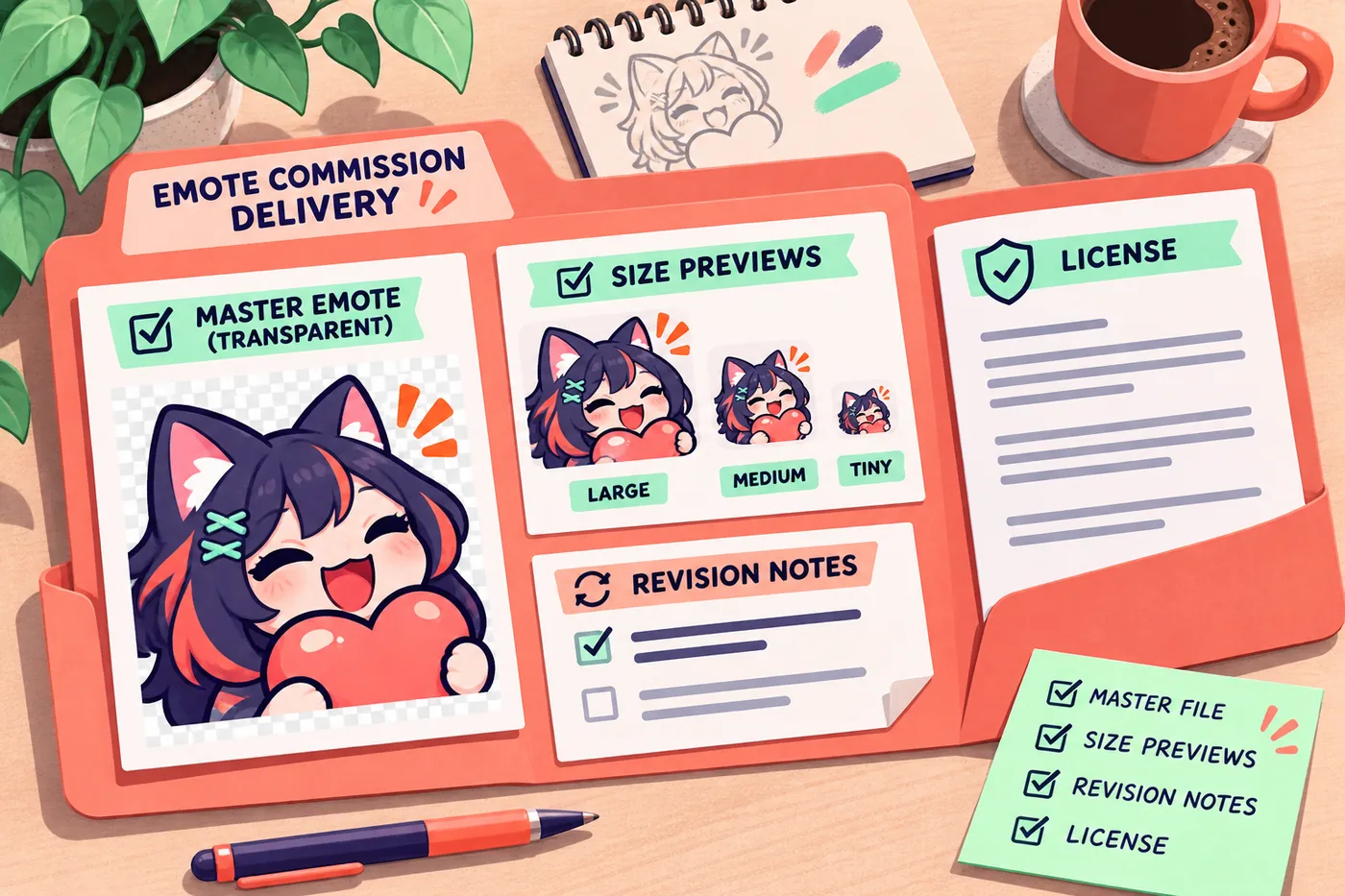
6. Check the delivery package before uploading
Part of how to commission Twitch emotes is checking the handoff before the final payment. Open the delivered files rather than trusting filenames alone. A static Twitch emote package usually needs a clean transparent master plus the agreed export sizes. The familiar 112x112, 56x56, and 28x28 set is useful for manual preparation, but the current Twitch upload flow and account controls remain the final authority. If you commissioned animation, check the frame and file rules separately.
Inspect the smallest preview at normal chat scale on both light and dark backgrounds. Look for a cropped prop, a halo around transparency, text that becomes unreadable, or a code that does not match the approved name. Check that the source file opens, the license or usage note is saved, and the artist has not delivered a flattened screenshot instead of the agreed artwork. Only then move to the upload guide and assign the emote to the correct audience.
- Open the transparent master and confirm that the subject is not clipped at the edge.
- Verify every agreed dimension, format, and animation limit from the current Twitch guidance.
- Preview the 28x28 file at normal scale; do not judge it only while zoomed in.
- Match filenames and emote codes to the approved brief.
- Store the source, exports, invoice, rights terms, and approval note in the same folder.
7. Avoid common mistakes and use a final checklist
A good how to commission Twitch emotes checklist prevents the most expensive mistake: approving a concept that never had a clear owner or scope. The second is treating a portfolio image as proof that the artist can deliver your exact format, deadline, and rights. Keep the buyer checklist practical: one reaction per emote, one written quote, one feedback round at a time, and one final package that you can reopen months later.
Be cautious when an artist asks for a full payment before explaining the deliverables, refuses to show process evidence, copies another creator's work, or pressures you to move to an unprotected payment channel. A warning does not prove fraud, but it is a reason to slow down and ask for clearer terms. If a file is rejected after delivery, separate the upload rule from the art quality and use the troubleshooting guide before requesting a redesign.
- Brief complete: reaction, references, audience, formats, sizes, deadline, and budget are written down.
- Quote comparable: scope, revisions, files, rights, payment, and cancellation terms are explicit.
- Review staged: sketch, line or color preview, and final package each have a clear approval point.
- Rights saved: the usage permission and any source-file agreement are stored with the artwork.
- Upload ready: dimensions, transparency, file weight, naming, and the smallest preview are checked.
Twitch emote commission FAQ
How much does a Twitch emote commission cost?
If you are learning how to commission Twitch emotes, start by comparing the same scope. There is no single price. The total changes with the artist's style, number of emotes, detail, animation, revisions, deadline, and usage rights. Compare quotes with the same brief and ask what files and rights are included before comparing the number alone.
What should I send to a Twitch emote artist?
Send the reaction, audience, channel context, approved character or mascot references, colors, format, size set, deadline, budget range, and examples of what should not be copied. Mark must-have requirements separately from personal preferences.
Do Twitch emote commissions include commercial rights?
Not automatically. Ask whether the permission covers Twitch, other social channels, clips, promotions, or merchandise, and whether the source file has a separate rule. Save the exact written terms with the final delivery.
How many revisions should I request?
Agree on a defined number of review rounds and what each round covers. Review the reaction and silhouette at the sketch stage, then use later rounds for color, line, and small corrections instead of changing the entire concept.
Should I ask for a layered source file?
Ask when future edits, resizing, or reuse matter. A layered source is not always included, but the quote should state whether you receive it, which software is used, and whether the file can be opened later.
What files should be in the final Twitch emote delivery?
Request the agreed transparent master, the required static or animated exports, clear filenames, and any source or license notes. Check the current Twitch guidance for upload limits, then preview the smallest version before approval.
How do I avoid a bad Twitch emote commission?
Use a written brief, inspect the portfolio source, compare recent process evidence, pay through a protected method when possible, define milestones and rights, and avoid pressure to pay without a clear deliverable list.
Can I upload commissioned emotes immediately?
Only after the files and usage terms are approved. Verify dimensions, transparency, format, file weight, code names, and the intended audience in the current Creator Dashboard. Use the upload guide for the final assignment steps.