Free emote guide
Free Twitch Emotes: Where to Find Them and Use Them Safely
A practical guide to finding static and animated emotes, checking commercial-use terms, avoiding copied artwork, and preparing every file for Twitch upload.
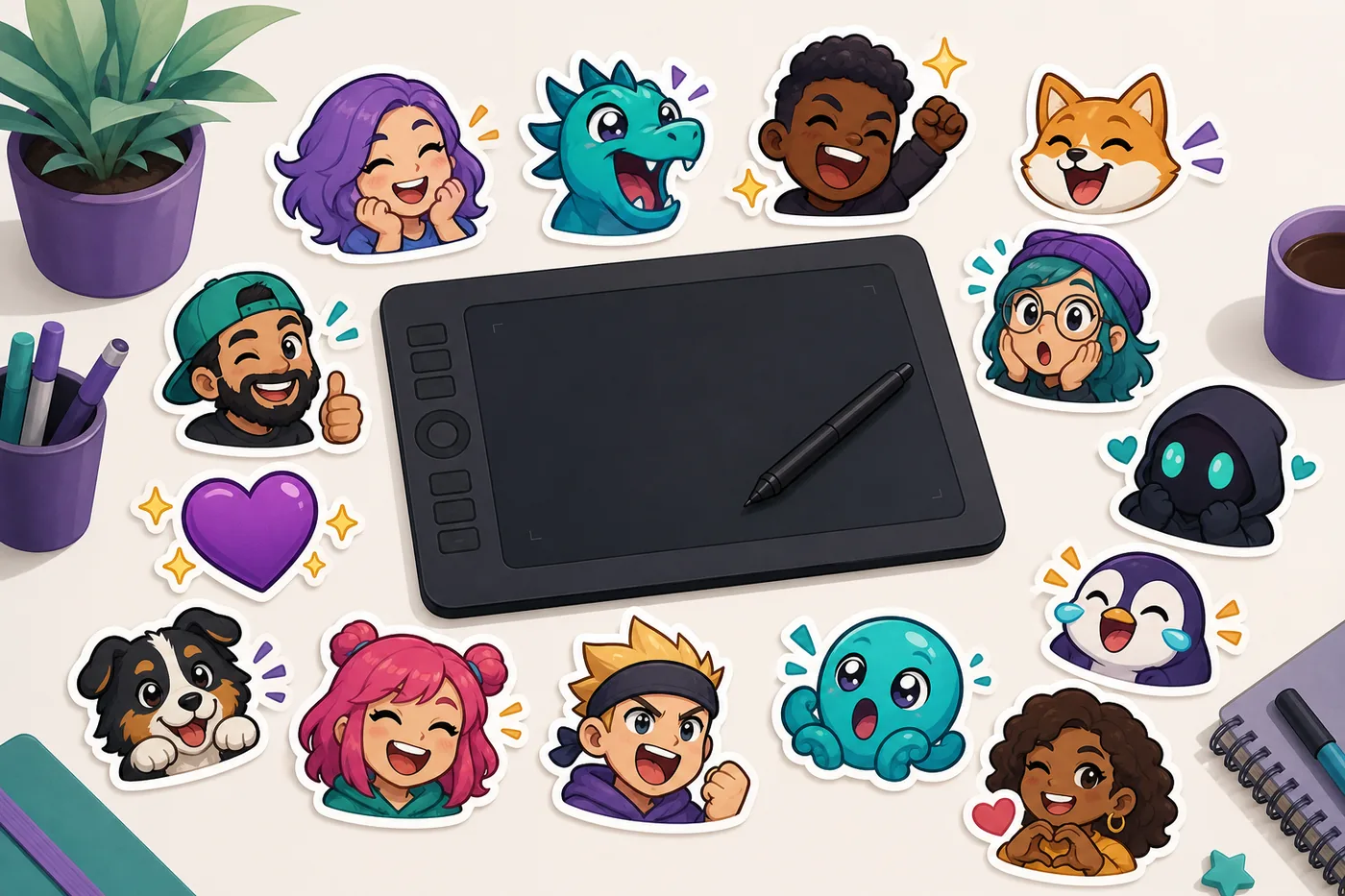
1. The best places to look for free Twitch emotes
Start with sources that identify the artist or publisher and display clear usage terms beside the download. Dedicated streamer-resource libraries are usually easier to review than image-search results because they group files into packs and explain whether attribution, editing, or commercial channel use is permitted.
Artist portfolios and sample packs can be excellent when the creator links directly to the license. Community emote platforms are useful for chat extensions and shared emotes, but access to an emote inside an extension is not the same as permission to download the artwork and upload it as your own channel emote.
Avoid files reposted on wallpaper sites, social-media aggregators, or uncredited download pages. A transparent PNG is not proof that the uploader owns it. If you cannot trace the artwork to a creator or a license, choose another pack.
| Source type | Good for | Check before use | Best action |
|---|---|---|---|
| Creator resource library | Ready-made themed packs | Commercial use and attribution | Save the license with the files |
| Artist sample pack | Distinctive original style | Editing and channel-use permission | Link back when requested |
| Community extension | Shared chat emotes | Extension-only access versus upload rights | Use through the approved extension |
| Uncredited repost | Nothing reliable | Ownership cannot be verified | Do not use |
2. Check the license before you build your channel around a pack
Free Twitch emotes may come with conditions. Some packs allow personal and commercial streaming use but require credit. Others allow the original files on Twitch but forbid recoloring, adding text, selling the pack, sharing the source download, or using the art in merchandise.
Read the page that accompanies the download rather than relying on a filename such as free-pack.zip. Take a screenshot or save a PDF of the terms and record the creator name and source URL. If the terms are vague, ask the creator or use a pack with clearer permission.
Treat custom exclusivity as a separate issue. A free public pack can help a new channel look polished, but other channels may use the same art. Do not imply that a public pack is custom artwork commissioned for your brand.
- Is use on a monetized Twitch channel allowed?
- Is attribution required, and where should it appear?
- May you crop, recolor, animate, or add channel-specific details?
- Are merchandise, resale, or redistribution prohibited?
- Does the license cover both static and animated files?
3. Choose static or animated free emotes for the right reaction
Static emotes are easier to evaluate, resize, and keep readable. They are a strong choice for everyday reactions such as hello, hype, love, laughter, surprise, and agreement. A consistent static pack also gives a new channel a unified look without increasing animation complexity.
Animated emotes can make celebration, dancing, sparkling, crying, or waving feel more expressive, but the loop must remain clear at chat size. Check that the license includes the animation, that the motion is not distracting, and that the file meets current Twitch upload requirements.
Do not convert a static free emote into an animation unless the license explicitly allows derivative work. Motion added to someone else's art is still an edit of that artwork.
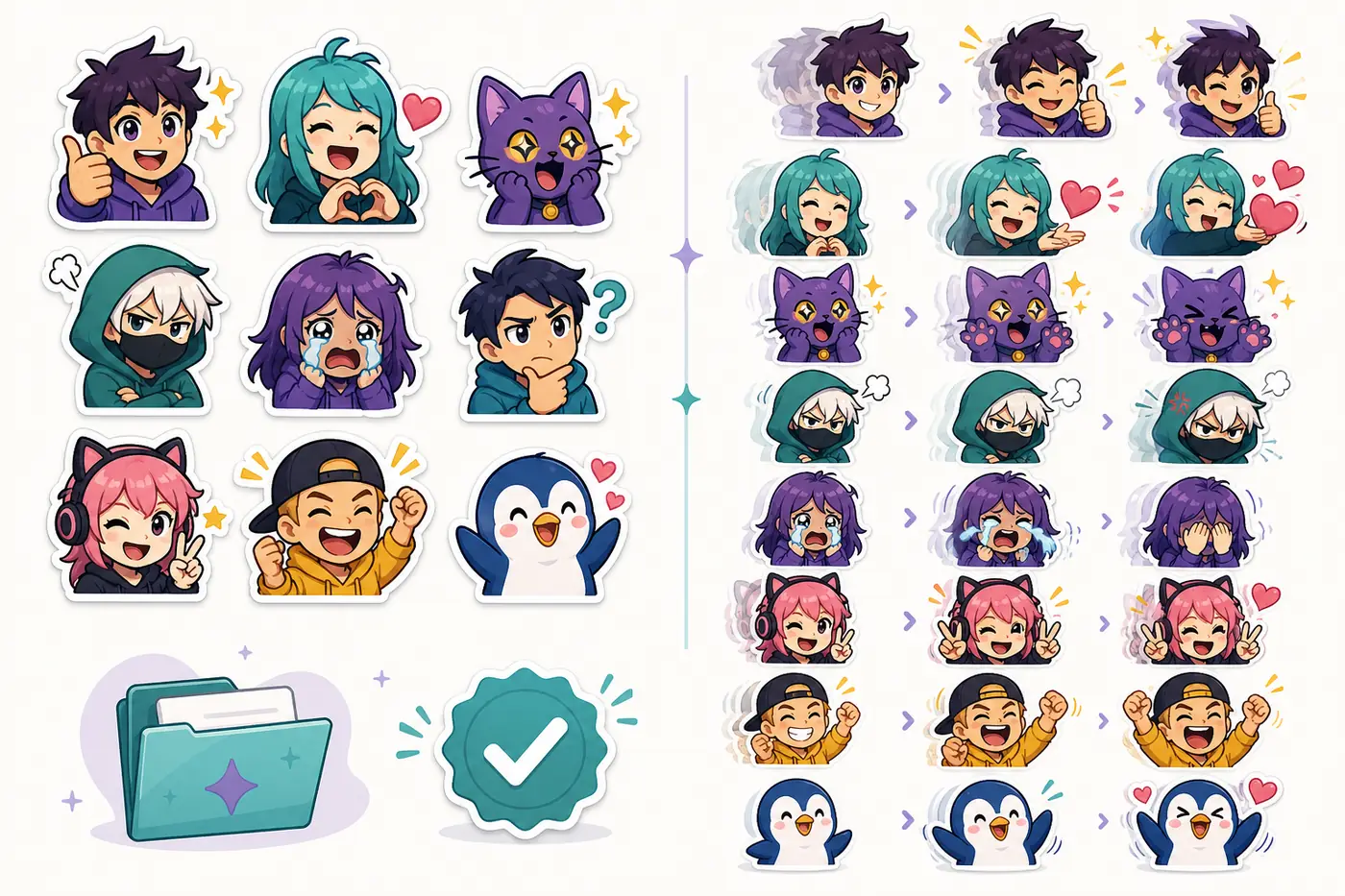
4. Test quality before downloading the whole pack
Preview the emote at approximately 28 pixels before judging it. Large portfolio images can hide weak outlines, muddy expressions, and details that disappear in chat. The face or symbol should remain recognizable without zooming in.
Look for a transparent background, clean edges, balanced padding, and a consistent visual scale across the pack. Avoid tiny words, thin accessories, low-contrast colors, and complex scenes. If several emotes use the same character, the outline weight and face size should feel consistent.
Download one sample first when possible. Open it on both light and dark backgrounds and confirm that there is no white halo or unexpected rectangle around the artwork.
- Trace the sourceConfirm the download comes from the creator or an authorized library.
- Read the permissionCheck channel use, monetization, attribution, editing, and redistribution.
- Inspect at chat sizeJudge the smallest version, not only the large preview.
- Save the evidenceKeep the license text, creator name, and original URL with the pack.
5. Resize free emotes without damaging the artwork
Keep the original download untouched, then work from a copy. If the source is already square and well padded, use fit mode so the full silhouette remains visible. If the character looks too small, crop closer while preserving ears, hair, hands, motion marks, and the outer outline.
Generate Twitch-ready 112×112, 56×56, and 28×28 files from the same clean source instead of resizing one small output repeatedly. Compare all three, but let the 28×28 version decide whether the emote is readable enough for chat.
Resizing does not grant permission to edit. A crop that only prepares the file for upload may be allowed while recoloring or adding text may not be. Follow the pack's actual license.
Resize your licensed emote files6. Free emotes to avoid
Skip packs built from recognizable game, anime, movie, celebrity, or brand characters unless the rights holder clearly authorizes that use. A fan-made drawing can still create copyright or trademark problems, even when the file is offered at no cost.
Avoid AI-generated packs that imitate a living artist, include distorted text, repeat nearly identical faces, or make unclear ownership claims. If a resource page says only “copyright-free” without identifying the creator or explaining the license, treat the claim as unverified.
Never upload another streamer's custom emotes, subscriber badges, or commissioned mascot art. Seeing an image in chat, Discord, a forum, or an extension does not make it a reusable channel asset.
7. Build a useful starter set instead of collecting random emotes
A small coherent pack is more useful than dozens of unrelated downloads. Start with reactions your viewers will actually use: greeting, celebration, laughter, love, surprise, agreement, and a channel-specific mood. Keep the same character or visual style across the set when possible.
Use free packs as a starting point, then plan original commissioned or self-made emotes around reactions missing from the public set. This creates a gradual path from a low-cost launch to a more recognizable channel identity.
- Hello or wave
- Hype or celebration
- Laughing or crying with laughter
- Love, heart, or support
- Surprise or confusion
- A reaction tied to your channel's tone
Free Twitch emotes FAQ
Are free Twitch emotes really free to use?
Only under the terms supplied by the creator or publisher. Check whether Twitch use, monetized channels, attribution, editing, and redistribution are allowed.
Can I use free emotes on an Affiliate or Partner channel?
Yes when the license permits commercial or monetized channel use. Do not assume a personal-use license covers subscriptions, ads, sponsorships, or merchandise.
Do I need to credit the emote artist?
Credit is required when the license says so and is a good practice when the creator requests it. Follow the specified wording and placement.
Can I recolor or animate a free emote?
Only if derivative edits are allowed. Recoloring, adding text, and animation change the artwork and may be prohibited even when the original download is free.
Where should I keep the license information?
Store a copy of the terms, creator name, source URL, and download date in the same folder as the original files.
What size should free Twitch emotes be?
Prepare 112×112, 56×56, and 28×28 versions when your upload workflow requires the standard three-size set, and always inspect the 28×28 result.